How to save Instagram reels by DM, without leaving Instagram
The fastest way to save a reel is the button you already use every day: Send. Connect Instagram to BhaiFinder once, and from then on any reel you DM to @bhaifinder is saved, summarised and filed for you.
👉 Short answer: In BhaiFinder go to You → Agentic Bhai → Save from Instagram by DM and tap Connect Instagram. Send the one-time code to @bhaifinder in Instagram DMs and tap I sent it. After that, tap Share → @bhaifinder on any public reel or post and it lands in your library.
Step 1: Connect Instagram (one time)
- Open BhaiFinder → You tab → Agentic Bhai → Save from Instagram by DM.
- Tap Connect Instagram to get a one-time code.
- Tap Copy code & open Instagram. Open the @bhaifinder profile, tap Message and send the exact code.
- Come back to BhaiFinder and tap I sent it. You'll see Connected ✅.
The code expires after a short while. If it does, tap Get a new code and send that one.
Step 2: Save any reel by DM
- On any public reel or post, tap the Share (paper plane) icon.
- Send it to @bhaifinder.
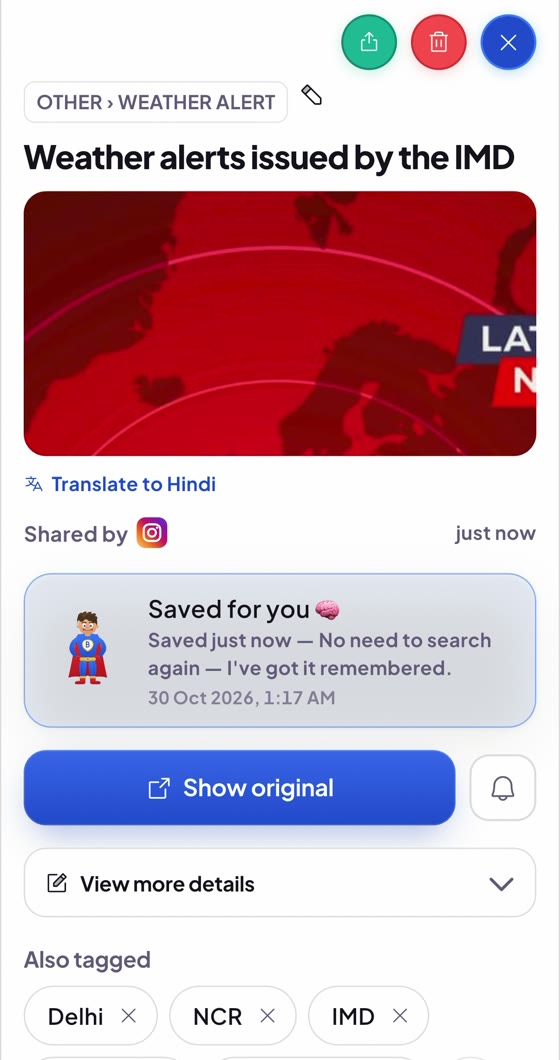
- Bhai saves it, writes a short summary and files it in the right category. It's waiting in your library when you open the app.
Why save by DM?
- You never leave Instagram. Keep scrolling, Bhai handles the rest.
- Every reel becomes searchable by what it was about, not just by its caption.
- Works with posts too, not only reels.
How to disconnect
Send logout instagram to @bhaifinder in Instagram DMs. You can connect again any time with a new code.
FAQ
How do I save an Instagram reel by DM?
Connect Instagram once in BhaiFinder (You → Agentic Bhai → Save from Instagram by DM), then share any public reel or post to @bhaifinder in Instagram DMs. It's saved to your BhaiFinder library.
Can I save private reels by DM?
No. Only public reels and posts can be saved. Private accounts and close-friends content can't be read.
Do I need to connect every time?
No. You connect once with a one-time code. After that, just DM reels to @bhaifinder.
How do I disconnect Instagram?
DM "logout instagram" to @bhaifinder on Instagram.
Turn Send into Save
Connect once, then DM any reel to @bhaifinder. Free to start.
Related: Save Instagram reels and search them · Export all your Instagram saved reels · Bhai Agent · Find a reel you saved months ago