How to connect BhaiFinder to Claude, ChatGPT and Grok
Your AI assistant knows the internet, but not what you saved. The BhaiFinder connector changes that: Claude, ChatGPT, Grok and other assistants can search your saves, open one, save a new link or set a nudge when you ask.
👉 Short answer: Copy the connector URL https://mcp.bhaifinder.com/mcp (in the app: You → Agentic Bhai → Connect your AI). Add it as a custom connector in your assistant's settings, sign in to BhaiFinder in the window that opens and tap Allow. Then ask: “What did I save about Goa?” Connecting an AI assistant is part of Bhai Pro and Pro Max.
What the connector can do
- Search your saves by meaning: places, recipes, products, tips, anything you saved.
- Open a save to read its full summary and details.
- Browse your categories and recent saves.
- Save a link for you, with a category, summary and tags, when you ask.
- Set a nudge so Bhai reminds you later.
When you connect, BhaiFinder asks for two permissions: see your saves, categories and nudges, and save links and set nudges for you. You can disconnect any assistant at any time.
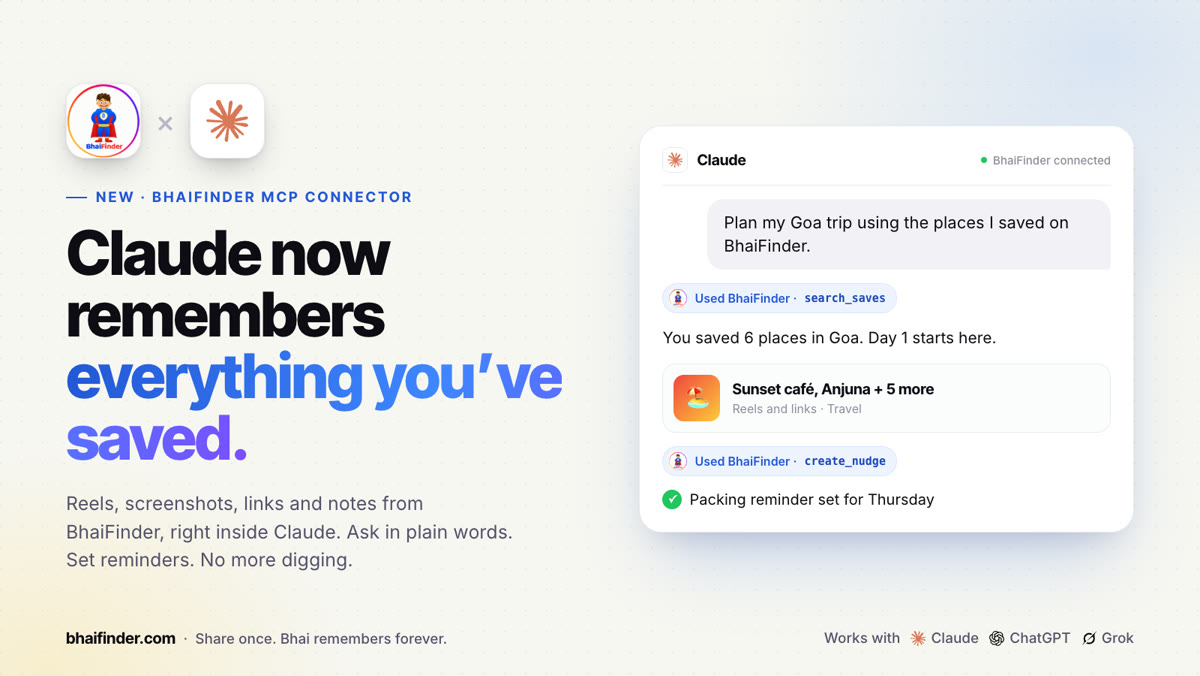
The connector URL
Connector URL: https://mcp.bhaifinder.com/mcp
Find it in the app under You → Agentic Bhai → Connect your AI, with a Copy button.
Connect Claude
Works on claude.ai, the Claude desktop app and the mobile app.
- Open Claude on the web or desktop → Settings → Connectors.
- Tap Add custom connector. Name it BhaiFinder and paste the URL. If it asks how to sign in, choose Register automatically.
- Sign in to BhaiFinder in the window that opens and tap Allow.
- In a new chat, turn BhaiFinder on under + → Connectors and ask: “What did I save about Goa?”
Set it up once and it works wherever you use Claude, including the mobile app. The free Claude plan allows one custom connector.
Connect ChatGPT
Set this up on chatgpt.com in a web browser.
- Open chatgpt.com on a computer → Settings → Apps (sometimes called Connectors). Turn on Developer mode under Advanced settings if you see it.
- Tap Create (or + → Add custom MCP server). Name it BhaiFinder, paste the URL, choose OAuth for authentication and tap Create.
- Sign in to BhaiFinder in the window that opens and tap Allow.
Custom connectors need a paid ChatGPT plan. If a menu name doesn't match, look for “custom MCP server” in settings.
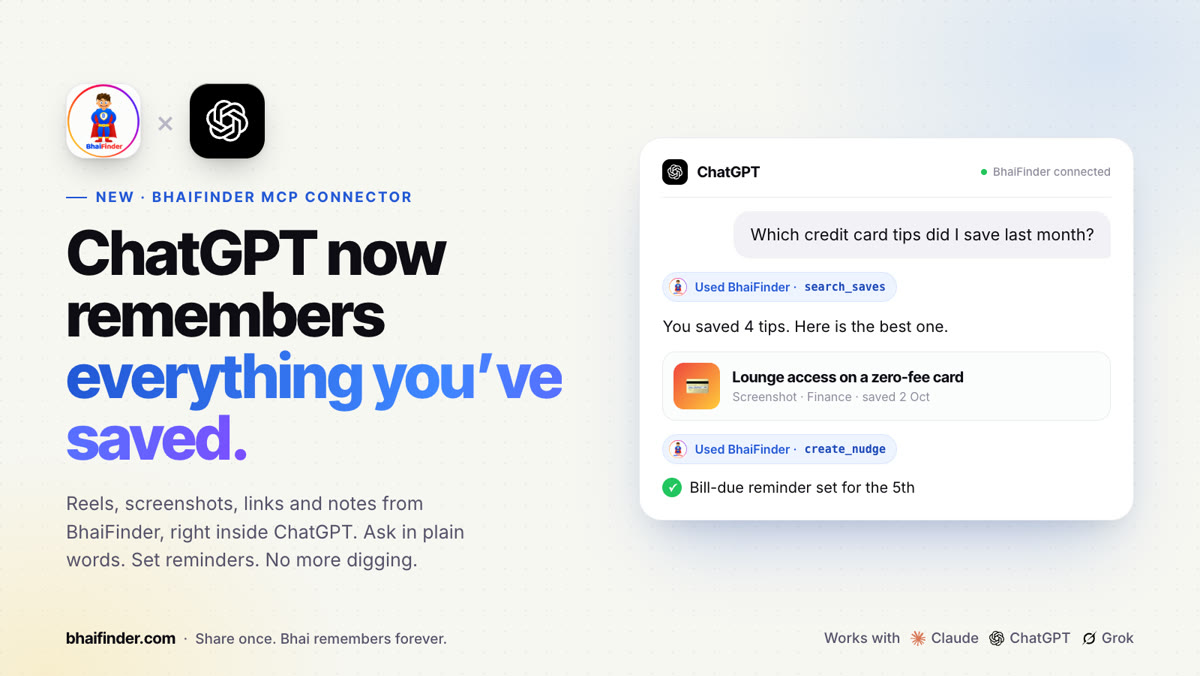
Connect Grok, Perplexity or Le Chat
- Open the assistant → Settings → Connectors (it may be called Integrations, Tools or MCP).
- Tap Add custom connector (or Add MCP server). Name it BhaiFinder and paste the URL. If it asks about sign-in, choose OAuth.
- Sign in to BhaiFinder in the window that opens and tap Allow.
These apps rename their menus often, and some offer custom connectors only on paid plans. If you can't find the menu, search settings for “MCP”.
For developers: Claude Code and Gemini CLI
Run one of these in your terminal:
claude mcp add --transport http bhaifinder https://mcp.bhaifinder.com/mcpgemini mcp add --transport http bhaifinder https://mcp.bhaifinder.com/mcp
Then in Claude Code type /mcp, pick bhaifinder and choose Authenticate. In Gemini CLI type /mcp auth bhaifinder. Log in in your browser and tap Allow.
Things to ask once you're connected
- “Plan my Goa trip using the places I saved.”
- “Which credit card tips did I save last month?”
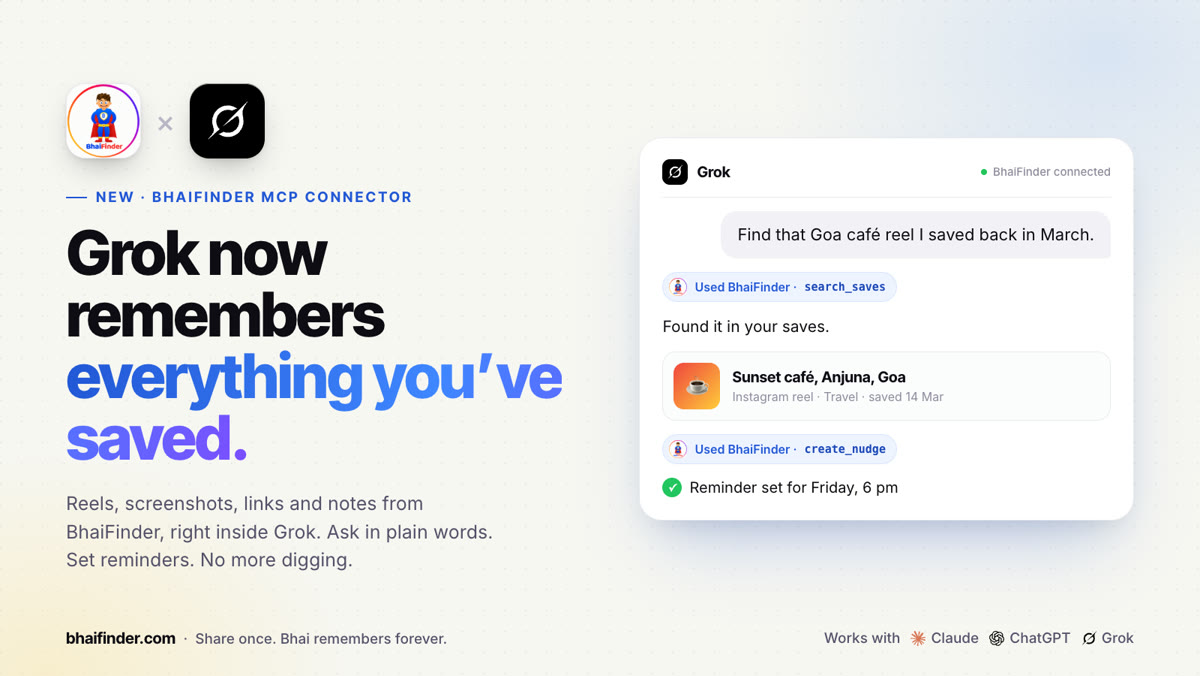
- “Find that café reel I saved in March and remind me on Friday.”
- “Save this article to BhaiFinder under Learning.”
How to disconnect
In BhaiFinder, open You → Agentic Bhai → Connect your AI. Under Connected assistants, tap Disconnect next to the assistant. It stops seeing your saves straight away.
FAQ
Which AI assistants work with BhaiFinder?
Claude, ChatGPT, Grok, Perplexity and Le Chat (Mistral), plus Claude Code and Gemini CLI. Any assistant that supports custom MCP connectors can use it.
What is the BhaiFinder connector URL?
https://mcp.bhaifinder.com/mcp. You can also copy it in the app under You → Agentic Bhai → Connect your AI.
Which BhaiFinder plan do I need?
Connecting an AI assistant is part of Bhai Pro and Bhai Pro Max.
Can the assistant see everything I saved?
Only after you sign in and tap Allow. It can see your saves, categories and nudges, and save links or set nudges when you ask. You can disconnect it any time from the app.
Does it work on the Claude mobile app?
Yes. Add the connector once on claude.ai or the desktop app, and it works in the Claude mobile app too.
Give your AI a memory
Save once in BhaiFinder, then ask Claude, ChatGPT or Grok about it.
Related: Bhai Agent: turn your saves into plans · What is an AI memory app? · AI memory apps in India: complete guide · Bhai Pro and Pro Max plans